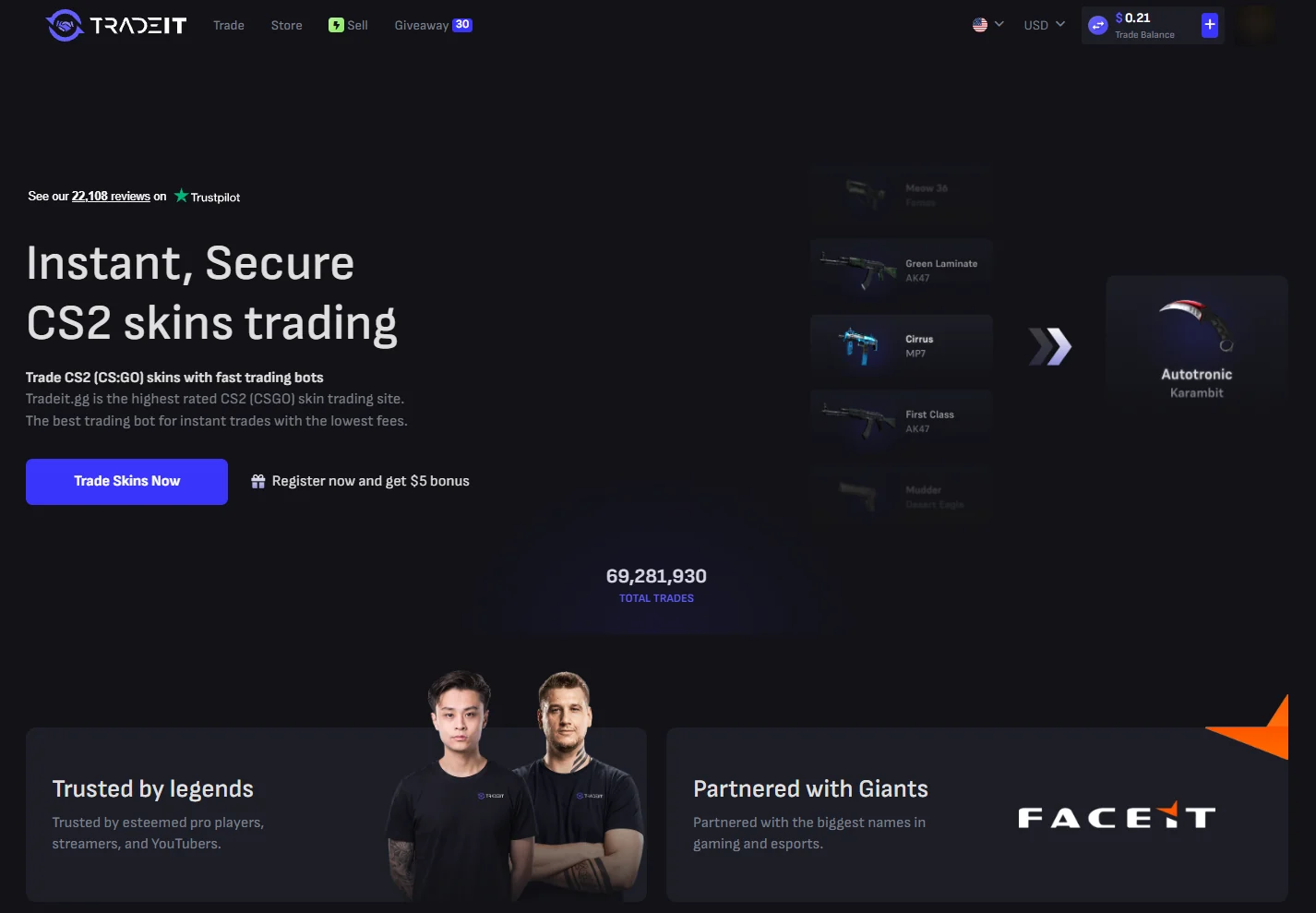










Our Tradeit.gg code is DAKE. Tradeit’s affiliate page says new users who come with a referral code or link get a $5 bonus on their first trade. Tradeit is a skin trading site for CS2, Rust and TF2, running since 2017: you trade skins with its bots, buy from its store or sell your skins for cash. We went through the site on our own account on 18 October 2026.
What the code gets you
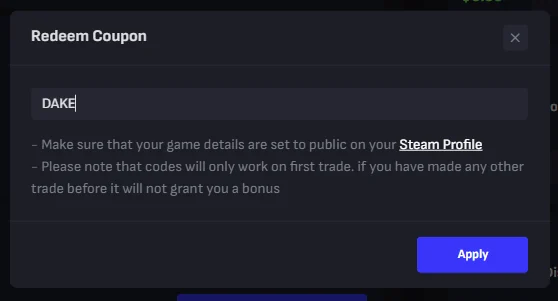
A $5.00 first-trade bonus, and, according to the same page, a one-time top-up bonus or store discount. The code only works on your first trade. The redeem window says: “codes will only work on first trade. if you have made any other trade before it will not grant you a bonus.” So enter it before you trade anything.
How to use the code
- Open Tradeit with the button on this page and log in with Steam. Add your email and Steam trade link, then confirm the email.
- Set your Steam inventory to public.
- Click your profile picture, choose “Redeem code”, type DAKE and press Apply.
- Make your first trade.
What we saw on the site
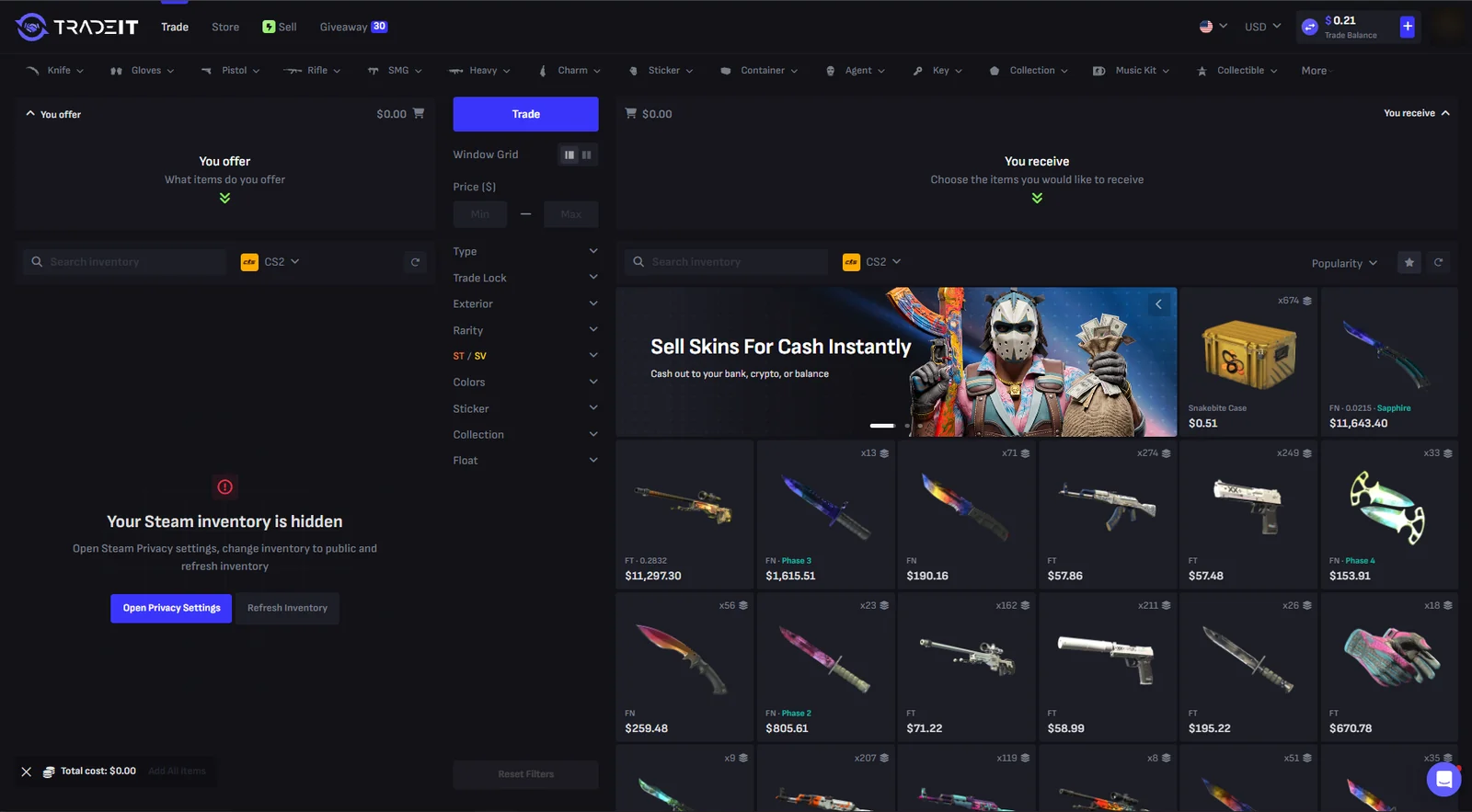
- Trade: your Steam items on one side, Tradeit’s bot inventory on the other. If your side is worth less, you pay the difference from Trade Balance.
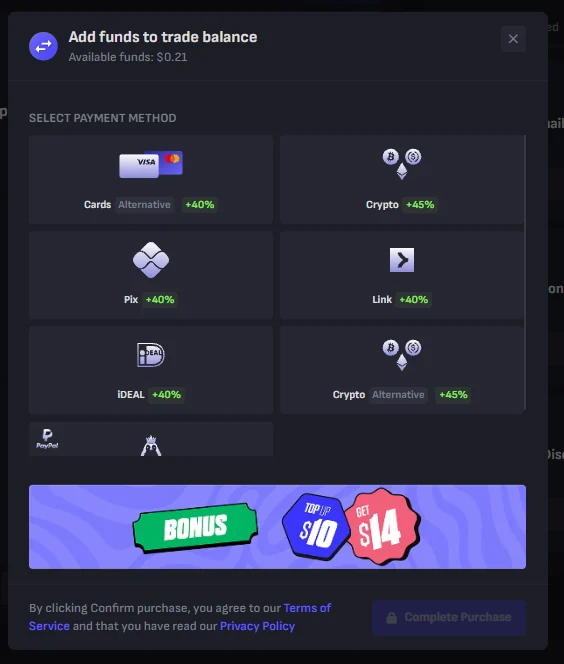
- Top-up bonuses: adding funds to Trade Balance showed +40% for cards, Pix, Link and iDEAL and +45% for crypto (“Top up $10, get $14”). This balance can’t be cashed out.
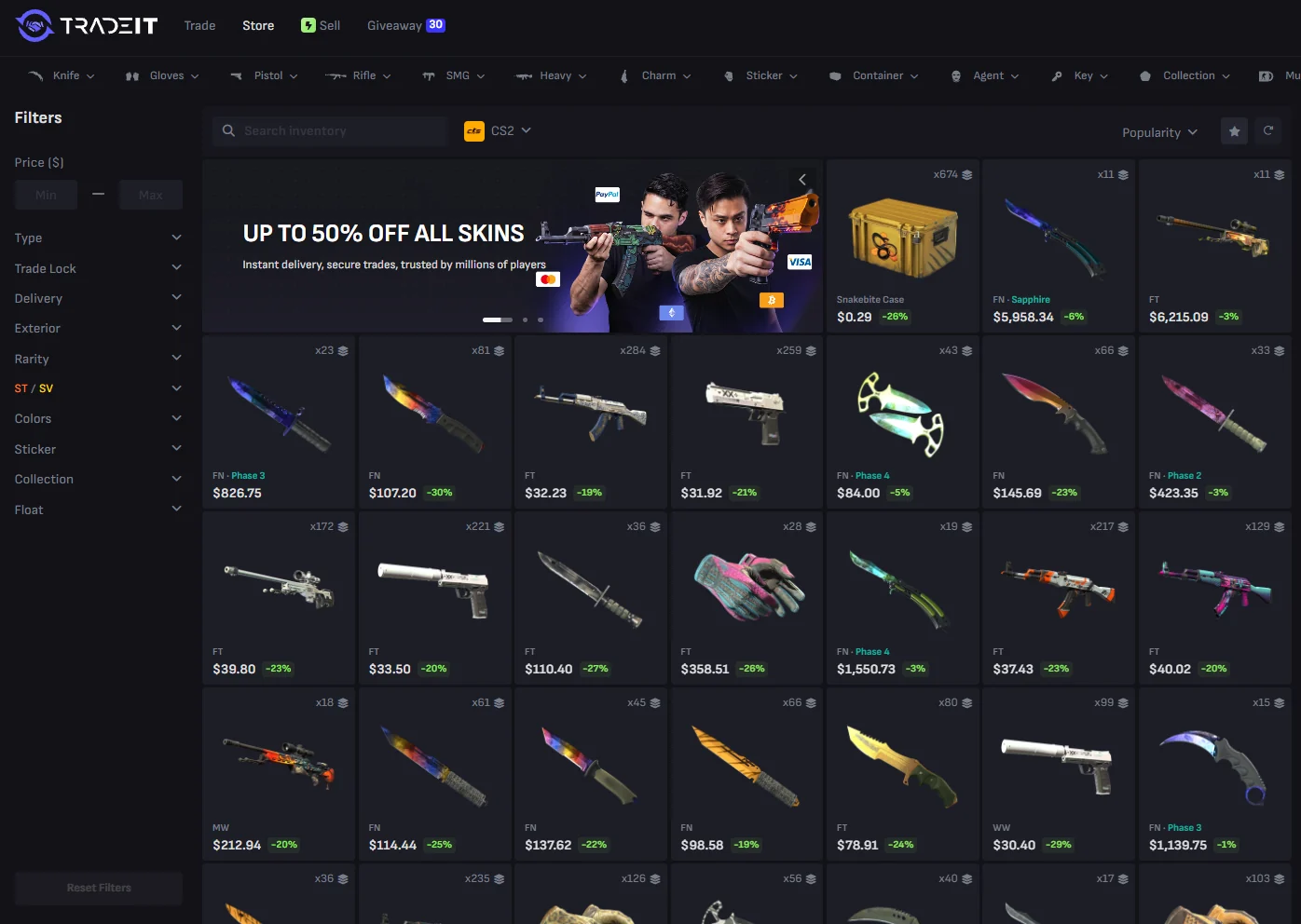
- Store: skins with discount tags; the banner said “up to 50% off all skins”.
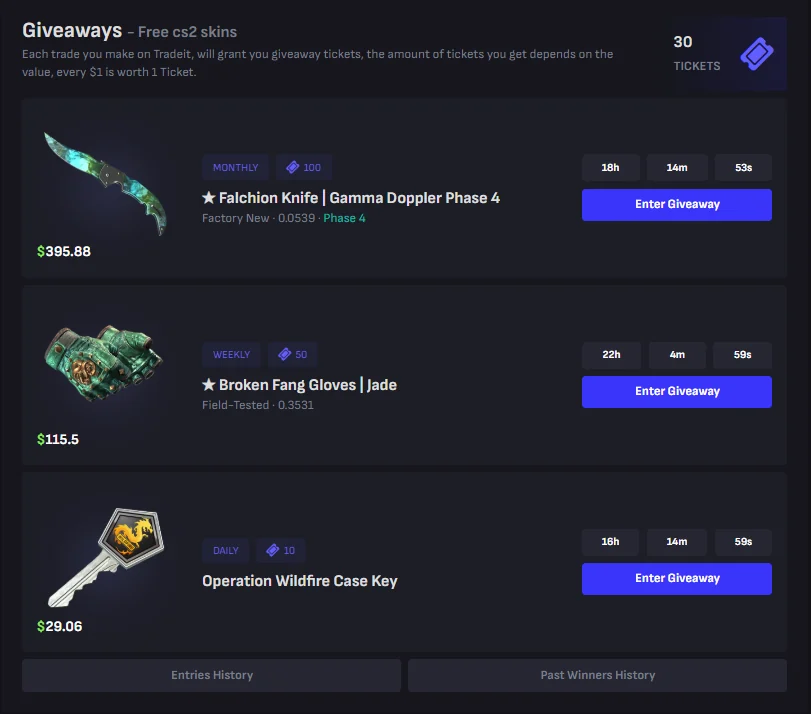
- Giveaways: one ticket for every $1 you trade, with daily, weekly and monthly skin draws.
Tradeit.gg fees
- Instant Sell: a 5–20% platform fee depending on the item, already included in the price you are shown.
- Trades and purchases: the terms allow a commission of 0–30% of the item’s value, included in the displayed price.
- Cash-outs: 2% for bank transfer or crypto, minimum $10. Moving money to your Store Balance is free.
Selling skins on Tradeit.gg
Instant Sell is the live option: Tradeit buys your items at the price shown. The money appears under Revenue at once, but Steam’s 7-day trade protection holds it before you can withdraw. Then you can cash out by bank transfer (only in the US, Canada, the UK, the EU, Australia, Singapore, Mexico and Israel; 2–3 business days), in Bitcoin, Ethereum, Tether (ERC20) or Solana, or move it to Store Balance instantly. Tradeit says most sellers get paid in 7 to 10 days and about 14 at worst. Crypto payouts start 7 days after you request them.
Rules worth knowing
- Balances stay on the site. Trade Balance and Store Balance can’t be withdrawn or moved between each other. Only Revenue from sold items can be cashed out.
- Trade locks. Bought items can be trade locked for up to 7 days and stay in your Tradeit inventory until then.
- Reversing a trade through Steam leads to a Steam trade ban and a ban on Tradeit.
- Not available to residents of Cuba, Iran, North Korea, Syria, Russia, Belarus, Crimea and the Donetsk and Luhansk regions. You must be 18 or older.
- Who runs it: Tradeit.gg LLC (Delaware, US), with TRADEITGG LTD in Cyprus.
Tradeit.gg KYC: when it asks for ID
You sign in with Steam. Tradeit follows US KYC and AML rules: it may confirm your name, age or payment method, and a card payment of $2,000 or more triggers a one-time ID and selfie check through Stripe.
Is Tradeit.gg legit?
Tradeit.gg is a skin trading site, not a gambling site: you trade, buy or sell CS2, Rust and TF2 skins. It is run by Tradeit.gg LLC in Delaware, US, with TRADEITGG LTD in Cyprus, and has been running since 2017. It pays sellers real money, but only after Steam’s 7-day hold.
- Getting paid. Sold items show under Revenue at once. After the hold you can cash out by bank transfer or crypto for a 2% fee, minimum $10.
- Fees. Instant Sell includes a 5–20% platform fee in the price you are shown.
- Balances. Trade Balance and Store Balance can’t be withdrawn; only Revenue from sold items can.
- Identity checks. Tradeit follows US KYC and AML rules, and a card payment of $2,000 or more needs a one-time ID and selfie check.
Sources: our own Tradeit account (18 October 2026); Tradeit terms of service, affiliate, sell and about pages; Tradeit help centre articles (updated July 2025 to September 2026); checked on 18 October 2026.